
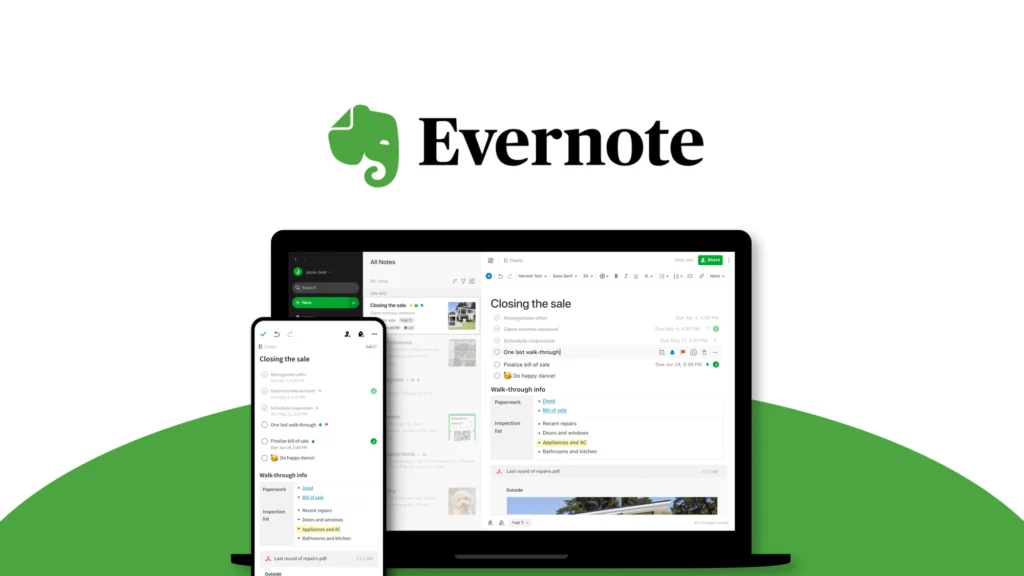
Ideas rarely arrive in a neat order. A useful article appears while browsing, a project thought arrives during lunch, a receipt disappears into a drawer, and an important task hides inside meeting notes. Evernote is designed to bring all of that scattered information into one searchable workspace. The platform combines notes, notebooks, tasks, calendars, document scanning, templates, collaboration, and AI-powered tools across desktop, mobile, and web. Instead of relying on separate apps for every small part of a project, users can capture information, organize it, connect it to a schedule, and turn it into action. Evernote becomes less like a digital notebook and more like a practical second brain.
Capture Information Before It Disappears
The foundation of Evernote is still note-taking, but a note can hold much more than plain text. Users can add images, documents, audio recordings, links, checklists, and other attachments alongside written ideas. This flexibility makes the platform useful for meeting minutes, study notes, research files, recipes, travel planning, client records, and personal journals.
Document scanning brings physical information into the same system. Receipts, business cards, manuals, handwritten pages, and travel documents can be stored digitally instead of remaining in piles around the home or office. Because Evernote syncs content across supported devices according to the selected plan, an idea captured on a phone can later be expanded on a computer without starting again.
Web Clipper Builds a Personal Research Library
Saving online information through ordinary browser bookmarks often creates a long list of forgotten page titles. Evernote Web Clipper offers a more useful approach by allowing users to save web pages, articles, and PDFs directly into their account. Captured content can be placed inside a relevant notebook and labeled for future reference instead of being left inside an overcrowded browser folder.
This feature is especially valuable for students, writers, researchers, shoppers, and professionals who frequently collect material from the internet. An article can sit beside personal notes, a project brief, and a related task. The saved information also remains searchable, helping Evernote turn casual browsing into an organized knowledge base that can support real work later.
Features That Make Evernote More Than a Notebook
Evernote becomes most valuable when its features are used together. A single project can contain the original idea, useful research, supporting documents, deadlines, and assigned actions. Templates make it easier to begin with a ready-made structure, while Spaces and notebooks keep related content grouped logically.
Key Evernote capabilities include:
- Flexible notes with text, images, audio, documents, and attachments
- Notebooks, Spaces, tags, and reminders for structured organization
- Web Clipper for saving articles, pages, and online PDFs
- Document scanning for digitizing paper records
- Advanced and semantic search for locating relevant information
- Tasks with dates, reminders, and assignment options
- Calendar connections for linking events with useful notes
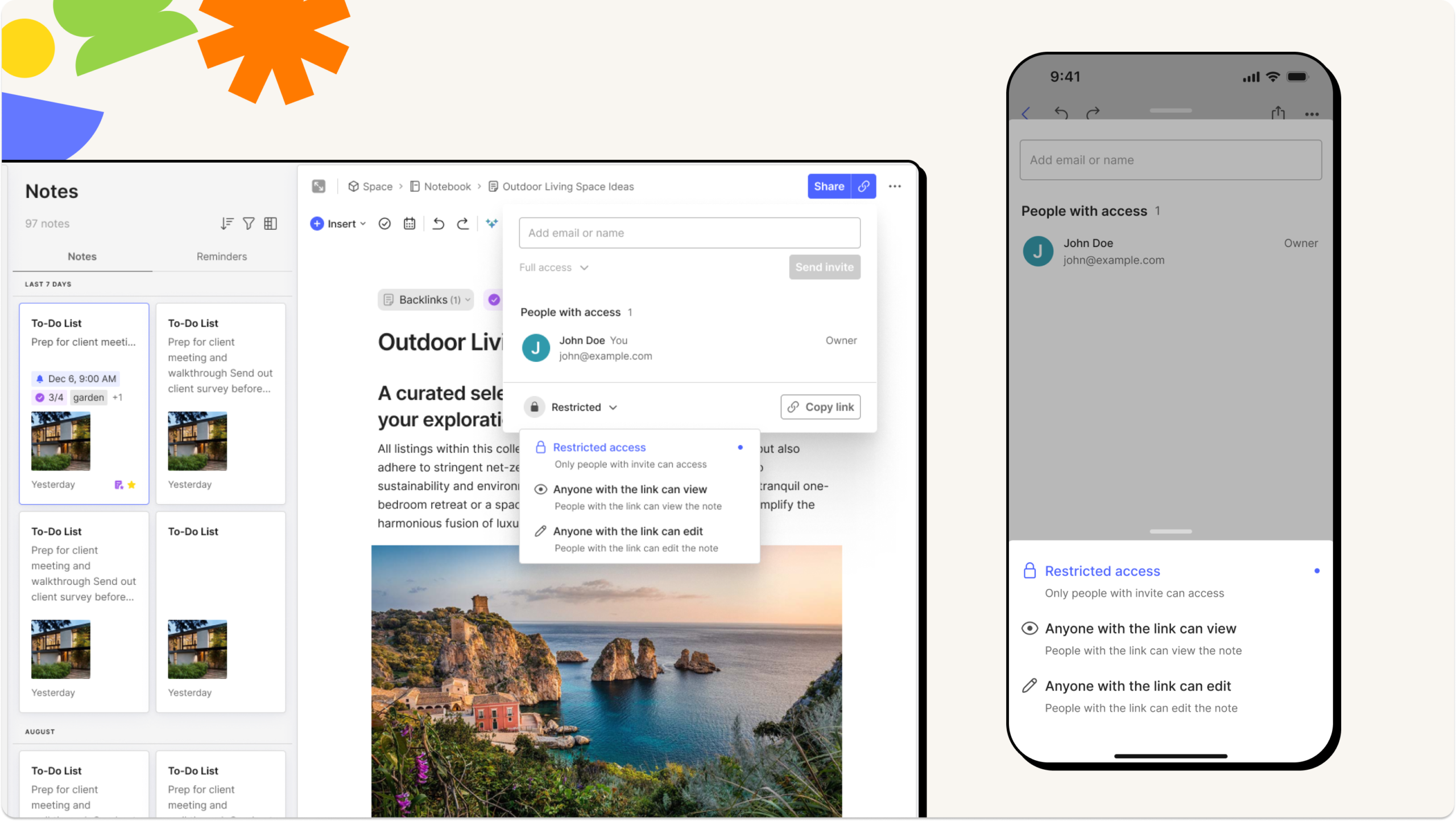
- Real-time editing, comments, and sharing for collaboration
- AI tools for rewriting, summarizing, transcribing, and organizing
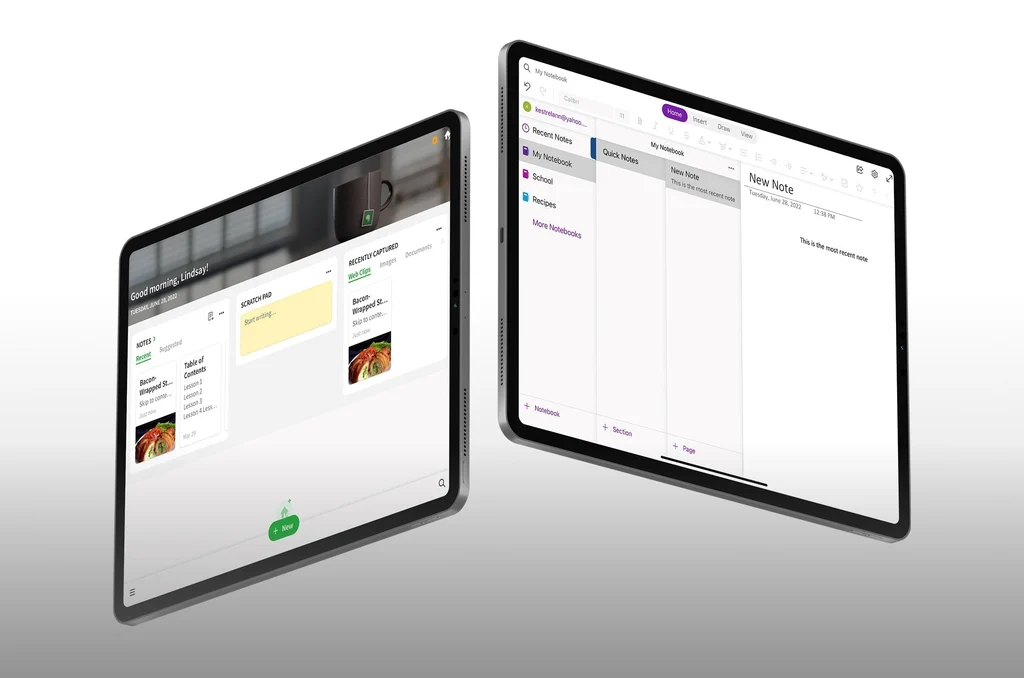
- Apps for web, Windows, Mac, Android, and iOS
Not every capability is included at the same level across all subscriptions. Users should compare the current Free, Starter, Advanced, and Enterprise plans before deciding which combination of storage, synchronization, AI, and collaboration tools they require.
Search Turns Old Notes Into Useful Knowledge
Saving information is only worthwhile when it can be found again. Evernote’s search capabilities help users locate notes by keywords, tags, filters, and other criteria. On eligible plans, advanced search supports more precise queries, while semantic search can surface related notes based on meaning rather than requiring an exact phrase.
The ability to search inside images and documents makes scanned pages and attachments more practical. A receipt saved months ago or a phrase inside a PDF does not need to be located manually through dozens of notebooks. This transforms Evernote from passive storage into an active reference system. The more thoughtfully the account is used, the more useful its accumulated information can become.
Tasks and Calendar Connect Planning With Action
Many note-taking apps are excellent for recording ideas but weak at helping users act on them. Evernote addresses this gap by placing tasks directly alongside relevant information. A meeting note can contain follow-up actions, a study notebook can include revision deadlines, and a personal project can move from brainstorming into a scheduled checklist without being transferred elsewhere.
Calendar features bring events and notes into the same workflow. Users can connect external Google or Microsoft calendars depending on their plan, create events, and associate notes with scheduled commitments. This is particularly useful for preparing agendas and keeping meeting materials close to the appointment that requires them. Notes explain the work, tasks define what must happen, and the calendar provides the time context.
AI Features Help Shape Unfinished Thinking
Evernote’s expanding AI toolkit is designed to do more than generate text. AI Edit can rewrite, summarize, tidy, or translate notes, while AI Transcribe can turn recorded material into written content. The AI Assistant can help search, organize, and enrich information through conversation, and AI Cleanup can improve the appearance of notes on supported mobile experiences.
These tools can reduce the time spent turning rough material into something usable. A messy meeting transcript can become a summary, an unpolished paragraph can become clearer, and related notes can be surfaced more naturally. Evernote also offers AI meeting-note, text-to-speech, diagram, PDF, and productivity tools. Users should still review AI-generated output carefully, particularly when accuracy or confidential information matters.
Give Every Good Idea Somewhere to Go
Evernote works because it supports the full life of information. An idea can be captured in seconds, enriched with research, organized inside a project, connected to tasks, and retrieved when the work finally begins. That continuity reduces the mental effort of remembering where everything was saved and what was supposed to happen next.
The platform can serve one student planning assignments, a professional managing clients, a family organizing travel, or an enterprise coordinating shared knowledge. The right plan depends on the scale of that work, but the central promise remains consistent: fewer loose ends and less valuable information slipping away. With Evernote, thoughts no longer have to remain scattered—they can become organized plans, completed projects, and progress that is easy to see.